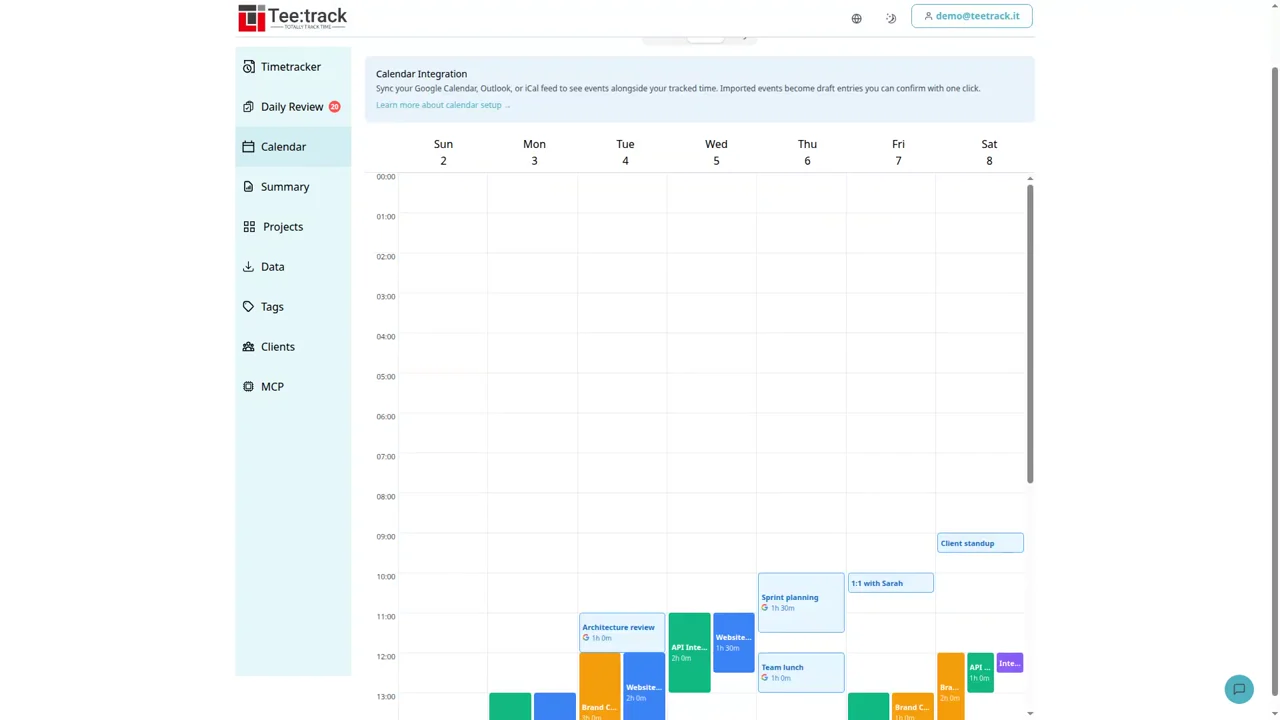
Turn Google Calendar Into a Timesheet
2:06 · English
Turn Google Calendar events into a timesheet: import drafts, review client work, and confirm billable hours. Watch the demo with captions and a transcript.


See how to turn calendar events into timesheets, review your earnings, and bring your time tracking history with you. All videos are in English, with captions and full transcripts.
2:06 · English
Turn Google Calendar events into a timesheet: import drafts, review client work, and confirm billable hours. Watch the demo with captions and a transcript.
2:57 · English
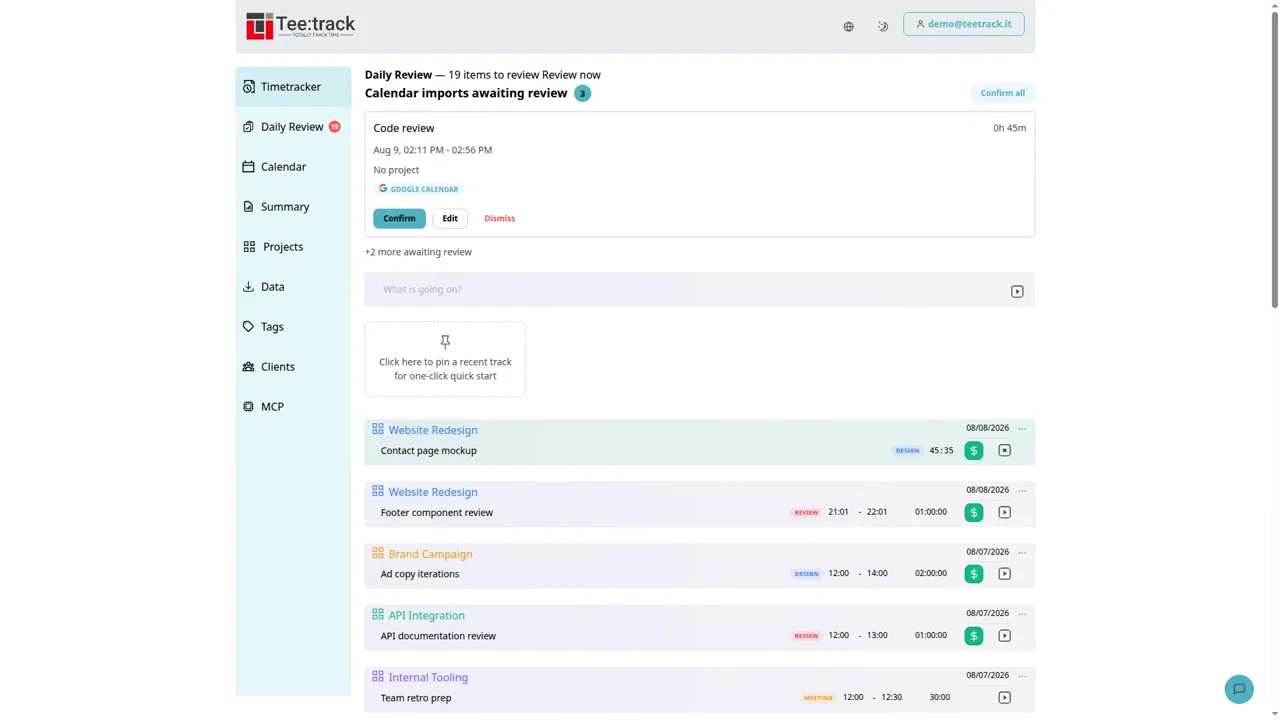
Track time by client, manage billing rates and retainer budgets, and export a PDF timesheet. Watch the Teetrack demo with captions and a full transcript.
2:39 · English
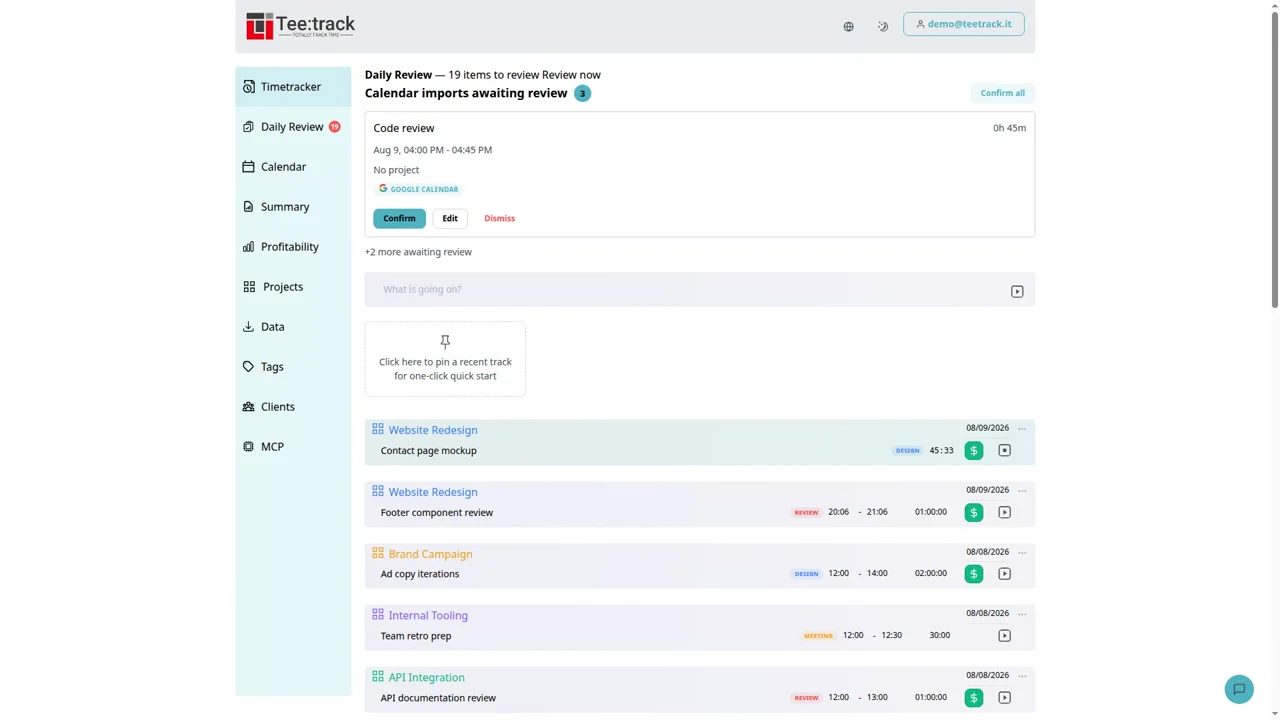
See revenue, billable share, effective hourly rate, and margin in Teetrack. Watch the profitability demo with captions and a full transcript.
2:28 · English
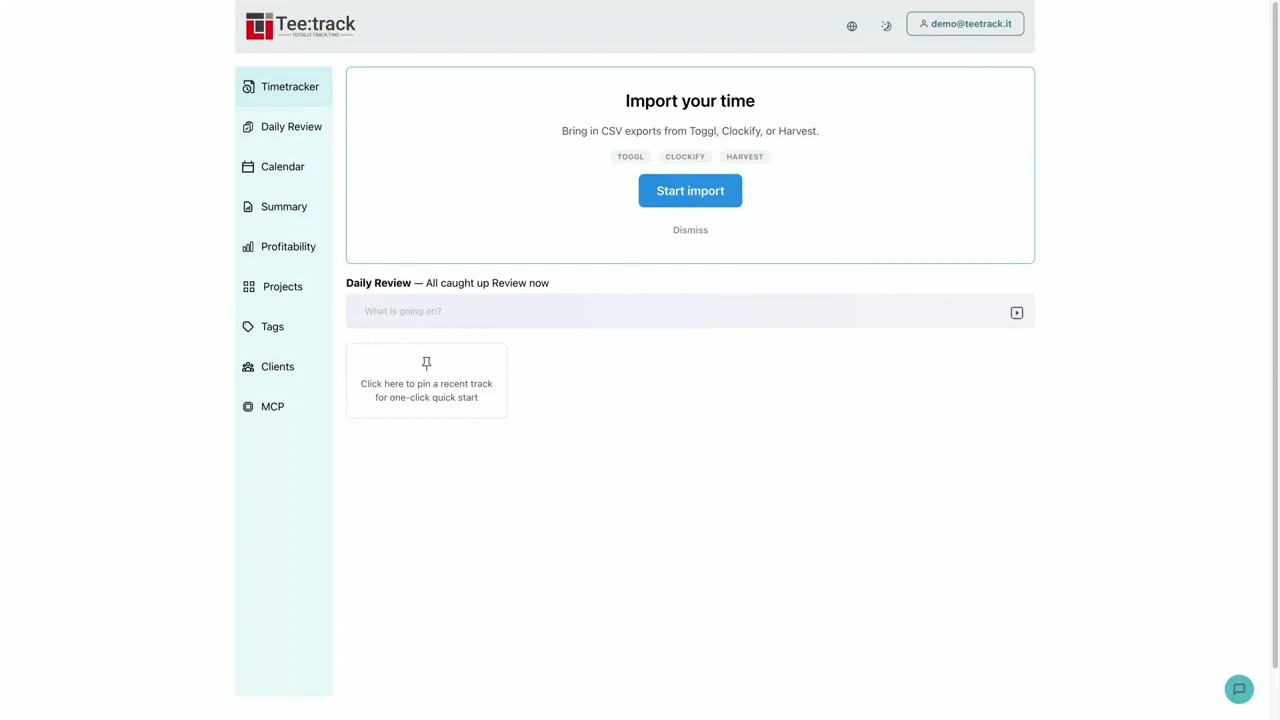
Import your Toggl CSV into Teetrack with a preview and seven days to undo the import. Watch the walkthrough with captions and a full transcript.
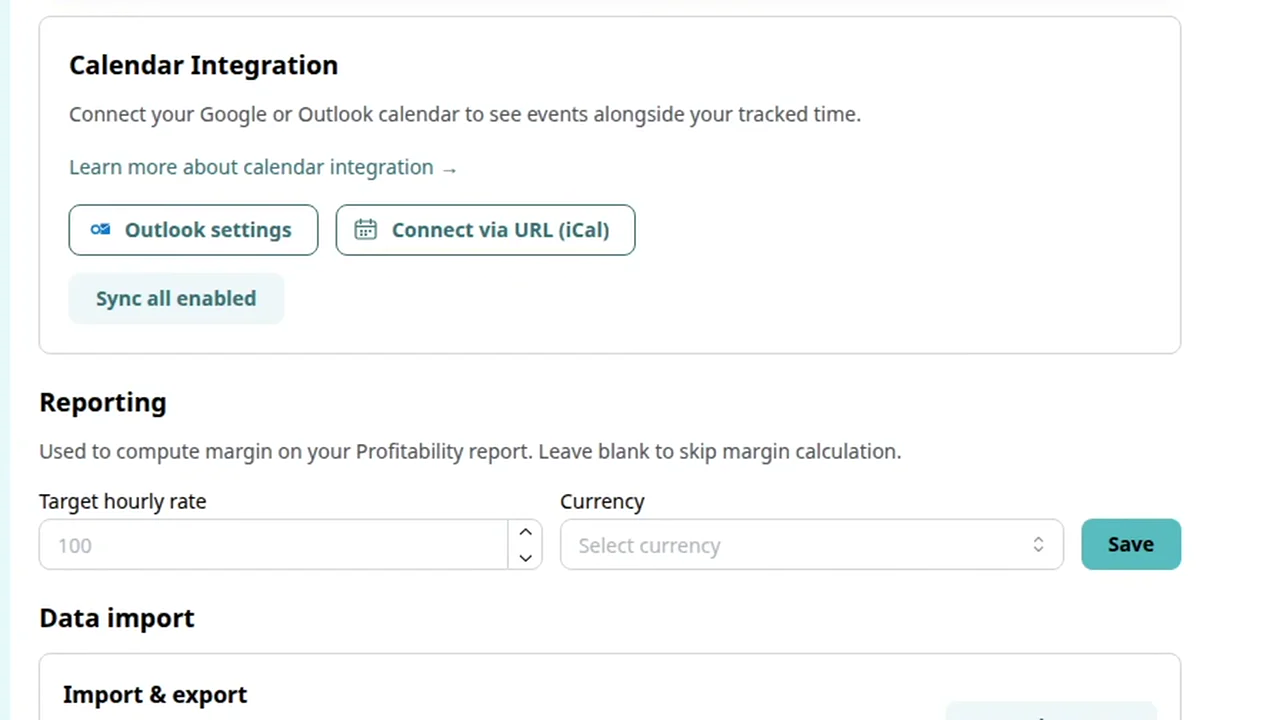
2:48 · English
Connect Outlook Calendar to Teetrack, review read-only permissions, and check your first sync. Watch the setup video with captions and a full transcript.
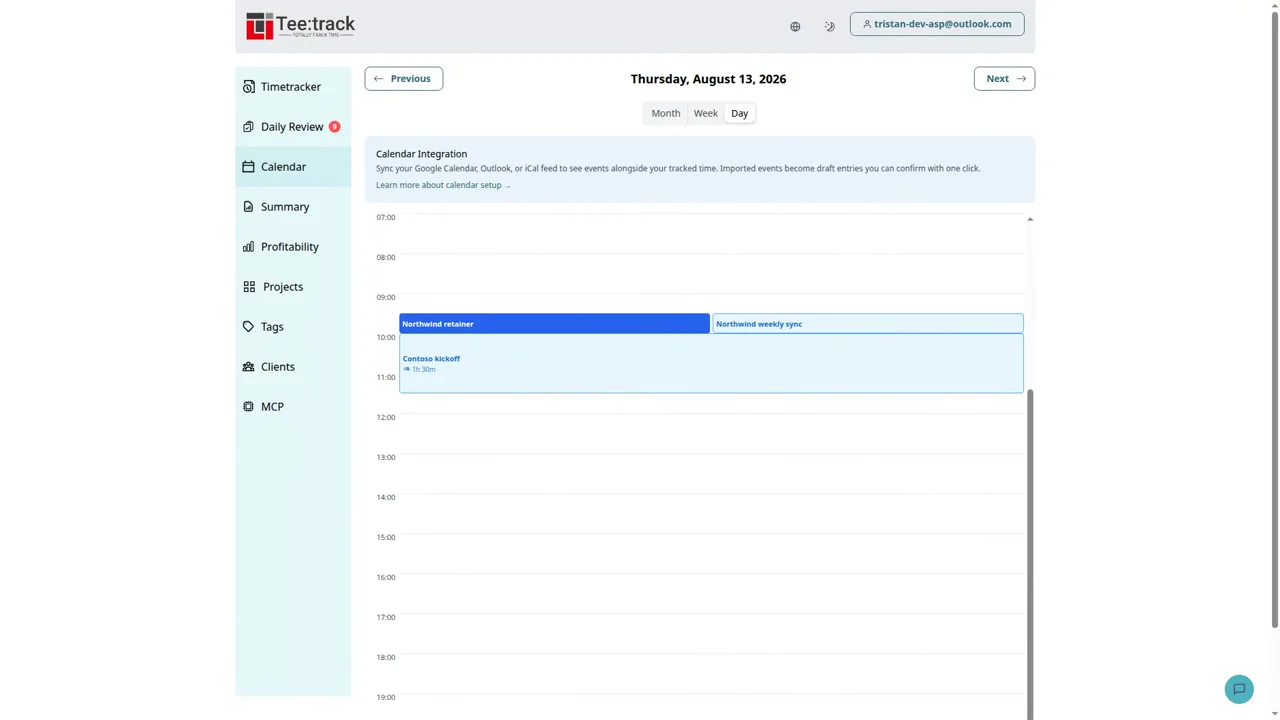
3:19 · English
Understand Outlook sync windows, status badges, manual sync, and changes to drafts in Teetrack. Watch the video with captions and a full transcript.
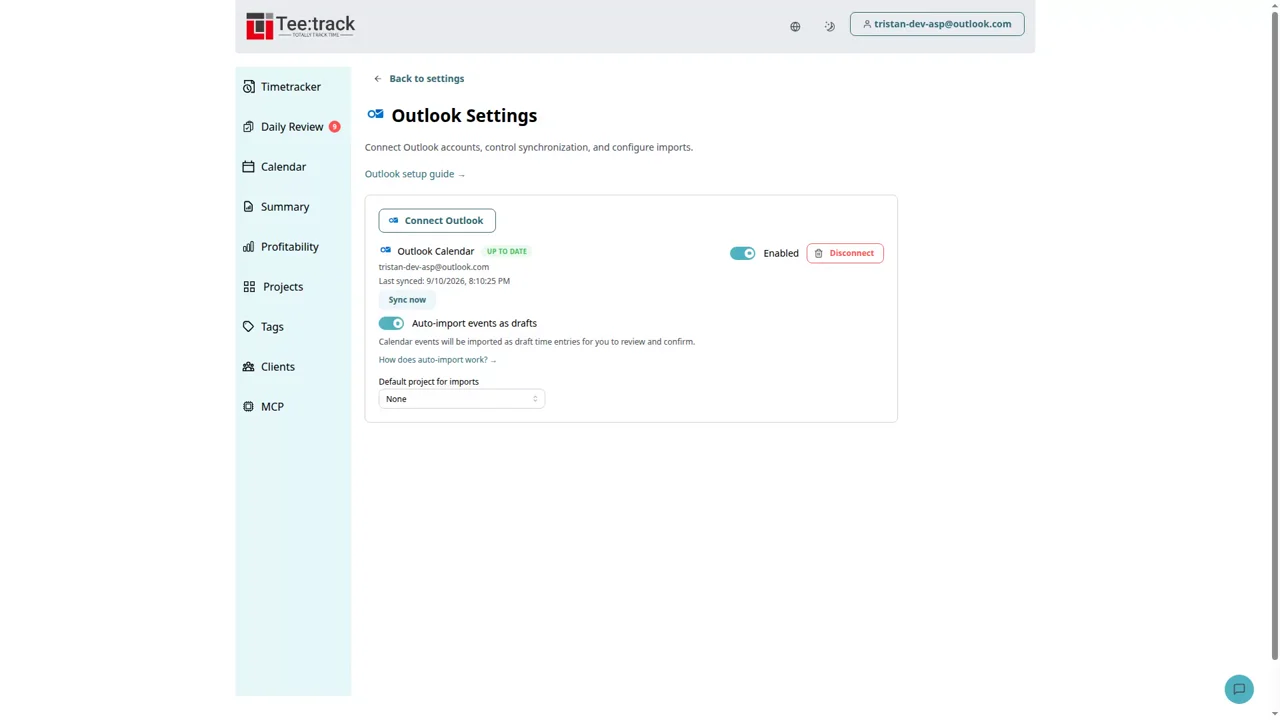
2:42 · English
Turn Outlook meetings into draft time entries, assign projects, and review billable hours. Watch the Teetrack demo with captions and a full transcript.
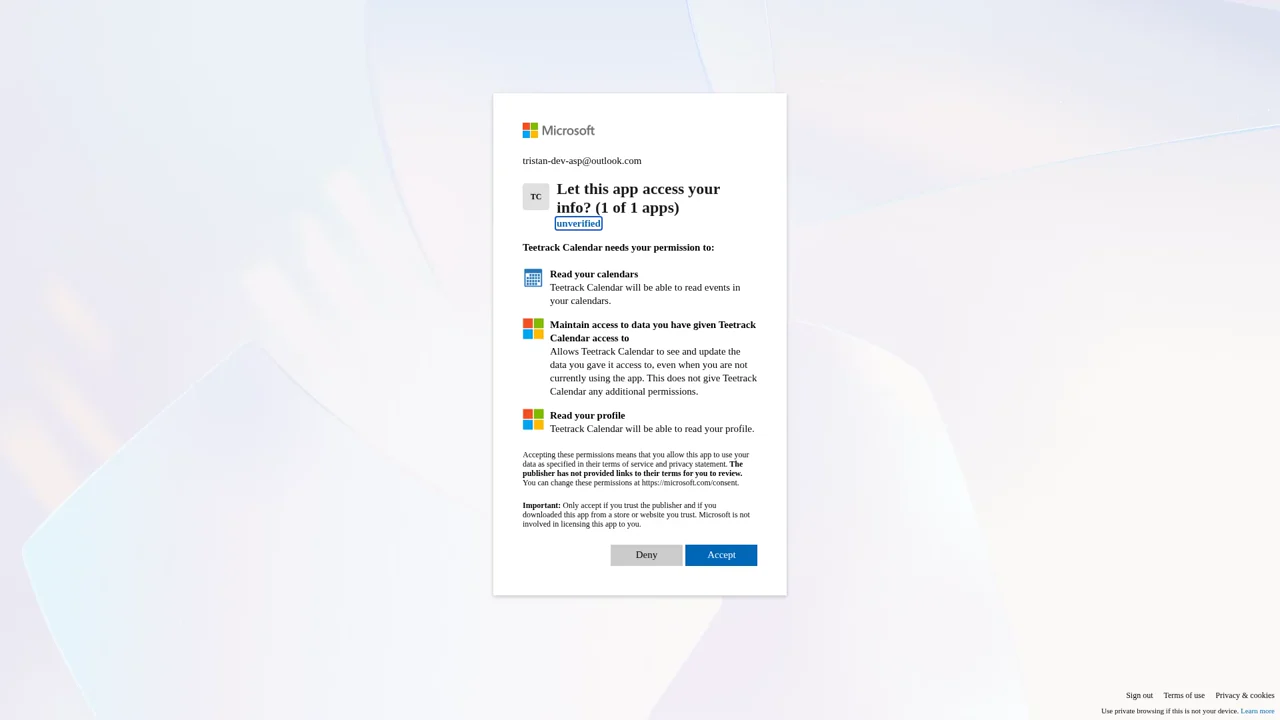
2:41 · English
See Outlook permissions, private-event handling, and disconnect controls in Teetrack. Watch the privacy demo with captions and a full transcript.