

Google Calendar Time Tracking Integration for Teetrack
Use your calendar as the starting point for accurate timesheets.
Connect Google Calendar to Teetrack so planned meetings, client calls, and focus blocks turn into easier time tracking and cleaner weekly reviews.
Requirements
- An active Google account with the calendars you want to sync
- Access to Teetrack calendar features
- Permission to authorize Google Calendar for your Teetrack workspace
How to Connect
Step 1: Open calendar settings in Teetrack
Go to the Calendar integration settings in Teetrack and choose Google Calendar as your source. Start the connection flow from there.
Step 2: Authorize the Google account you actually use for work
Sign in with the Google account that contains your client meetings, delivery blocks, and internal planning calendar. Review the requested permissions before confirming.
Step 3: Choose which calendars to sync
Select the calendars you want Teetrack to read, such as your main work calendar and a dedicated client booking calendar. Leave personal calendars unchecked to keep the timeline clean.
Step 4: Review imported events and convert them into tracked time
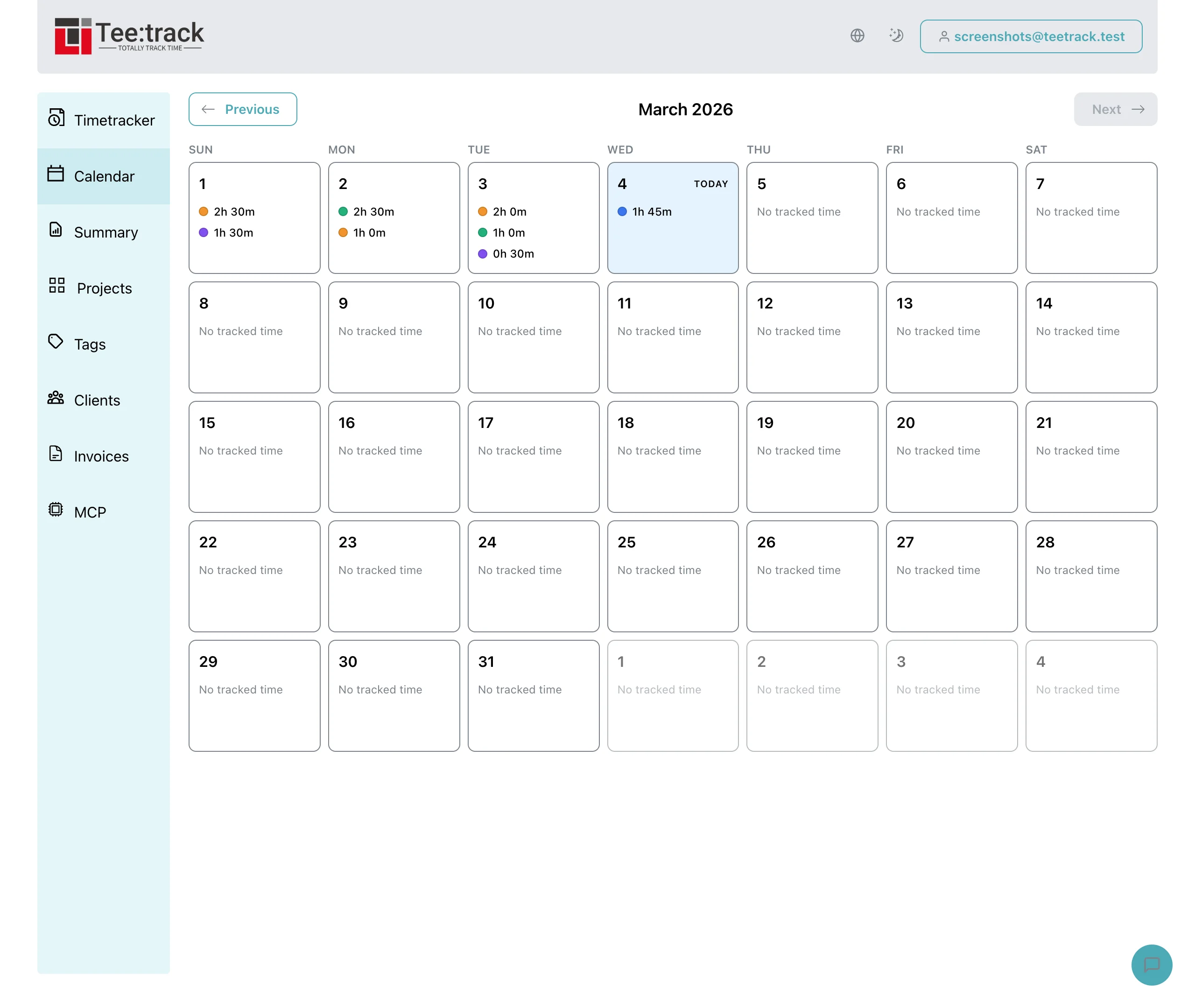
Open the calendar view in Teetrack, inspect imported events, and turn relevant events into time entries with the right client, project, and billable status.
What you can do
- Pre-fill your day from calendar events: Client meetings and planned work blocks appear in context so you do less manual reconstruction at the end of the week.
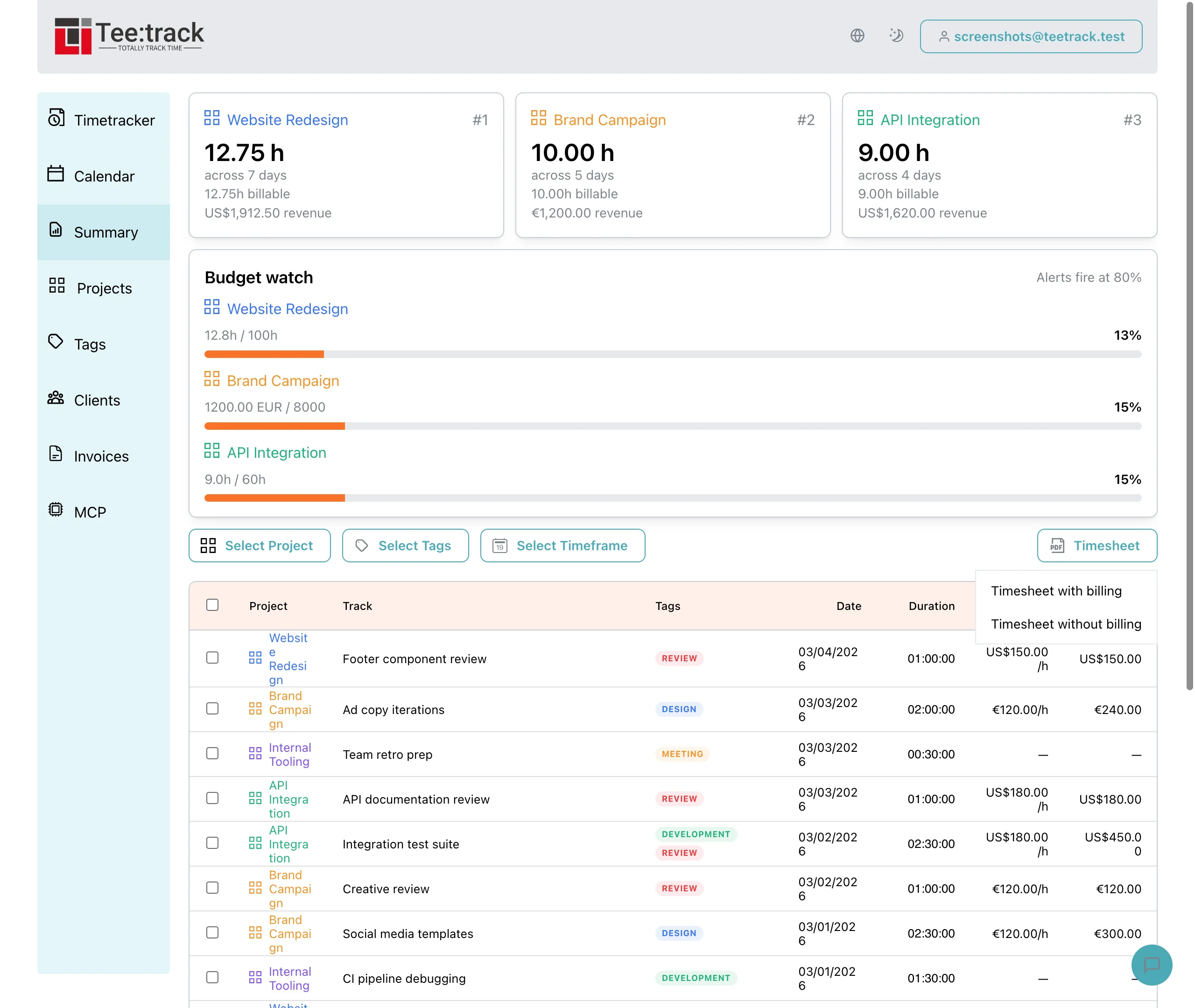
- Keep billing tied to real commitments: You can convert a meeting or work block into a billable time entry and attach it to the right project before invoicing.
- Improve weekly reviews: Calendar context helps you spot missing entries, compare planned vs actual work, and close gaps before generating a timesheet.
See it in action
Frequently Asked Questions
Does Google Calendar replace the timer in Teetrack?
No. The integration complements the timer. It gives you context from your planned schedule, while the timer and manual entries still capture the final tracked work.
Can I choose which calendars are visible in Teetrack?
Yes. You should connect only the calendars that matter for work, such as your primary work calendar or a client booking calendar, to avoid polluting the timeline with personal events.
Is this useful if I work asynchronously and do not have many meetings?
Yes. Even a sparse calendar helps block focus time and anchor weekly reviews. Freelancers often use the integration to compare planned deep-work blocks with actual billable time.
Will imported calendar events automatically become billable?
Not by default. You should review imported events and assign the correct project and billable status so invoices stay accurate.
Why connect Google Calendar instead of logging everything manually?
Manual logging works, but calendar context reduces forgotten entries, shortens end-of-week admin time, and makes it easier to reconstruct days filled with meetings and context switching.
Connect Google Calendar and make time tracking easier to finish every week
Start freeGreat for freelancers, consultants, and small agencies.