Start recurring tasks from Pinned Tracks
By Tristan Doehl · · Updated
Some tasks return with the same project and description every day. Pinned Tracks lets you reuse that combination when starting a timer, which is useful for a recurring client call or a regular block of administration.
Reuse the details of a familiar task
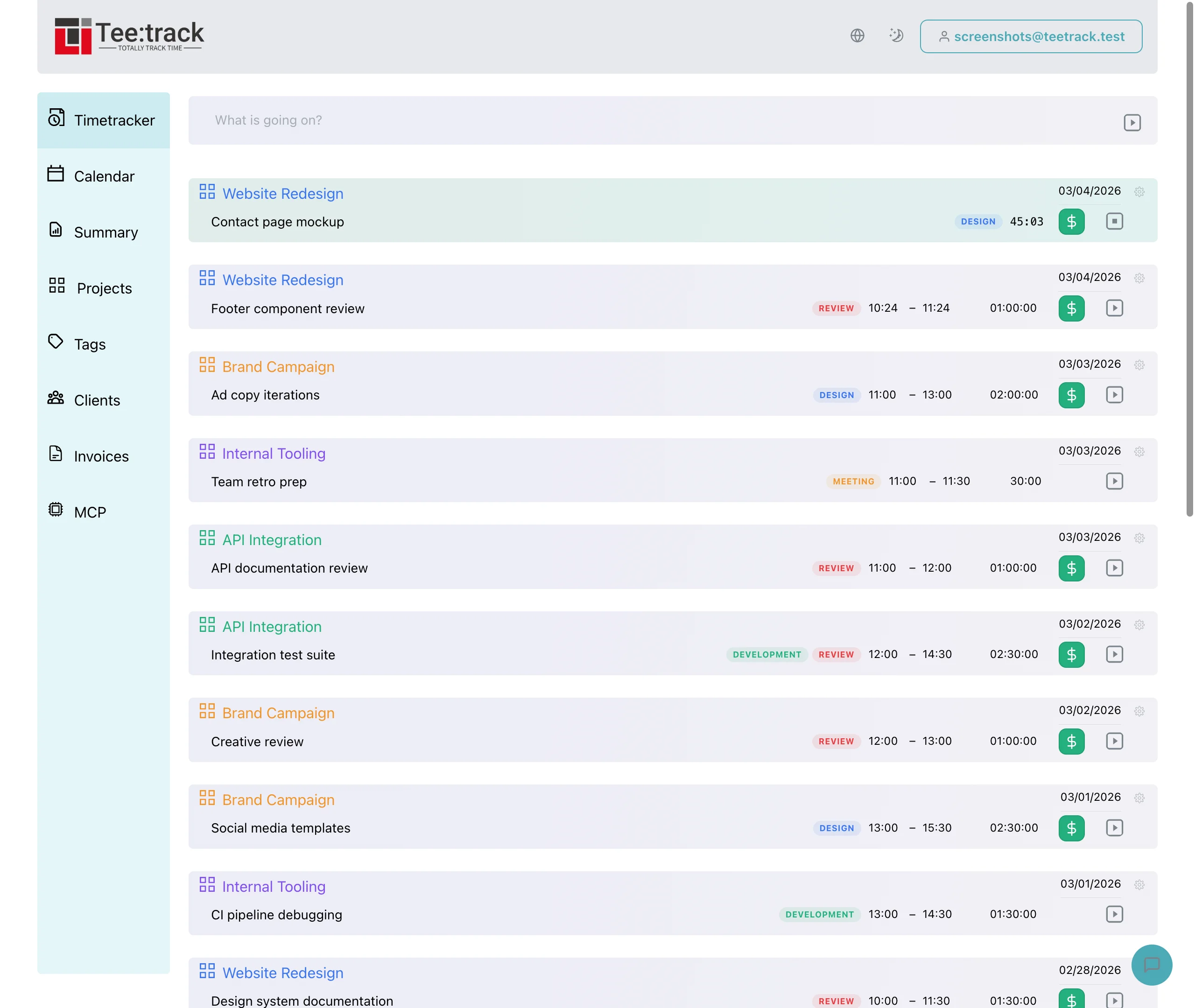
The pinned strip above the dashboard’s active timers holds up to five entries. A pin stores the description, project, tags, billable flag, rate, and currency. Starting it creates a new timer with those details and leaves the original session unchanged.
For example, a pinned “Weekly Acme review” entry can start the next review on the same project with the same tags. The new session records its own start and end times, so the previous meeting remains a separate record.
Pin the combinations you want to keep
Use an entry’s menu to pin it, or open “Pin a recent track” from the strip above your entries. Before anything is pinned, the strip shows a single dashed card for this; afterwards, a narrow plus card follows your pins until all five places are taken. Nothing is pinned until you choose a task from that menu.
The recent-track menu offers up to seven distinct description-and-project combinations from the latest 30 completed entries. The “already pinned” check also compares only description and project, so different tags or billing details do not make an otherwise identical task a separate suggestion.
Check whether today’s task still matches
A repeated description is convenient only while it identifies the work accurately. If a meeting has changed project or purpose, edit the new entry to match the session or choose a different starting point. Reusing a label should not hide a change in scope.
A pin also reuses the rate and billable flag it was created with, and neither the pin card nor any edit option shows that rate. When a client’s rate changes, unpin the task and pin an entry that already uses the new rate. The Rate column in Summary shows which rate an entry started from a pin actually received.
Keep the strip relevant to current work
Unpin a combination when its engagement ends or it stops being useful. A small set of current tasks is easier to recognise than a collection of old labels. Pinned Tracks is available on all plans, and the feature overview describes the controls for managing the strip.