Correct the date of a time entry
By Tristan Doehl · · Updated
A time entry can have the right description and duration but still belong to the wrong day. Teetrack lets you edit its date, which is useful when you record yesterday’s work after the fact or discover a mistake during a weekly review.
Put the session on the day it happened
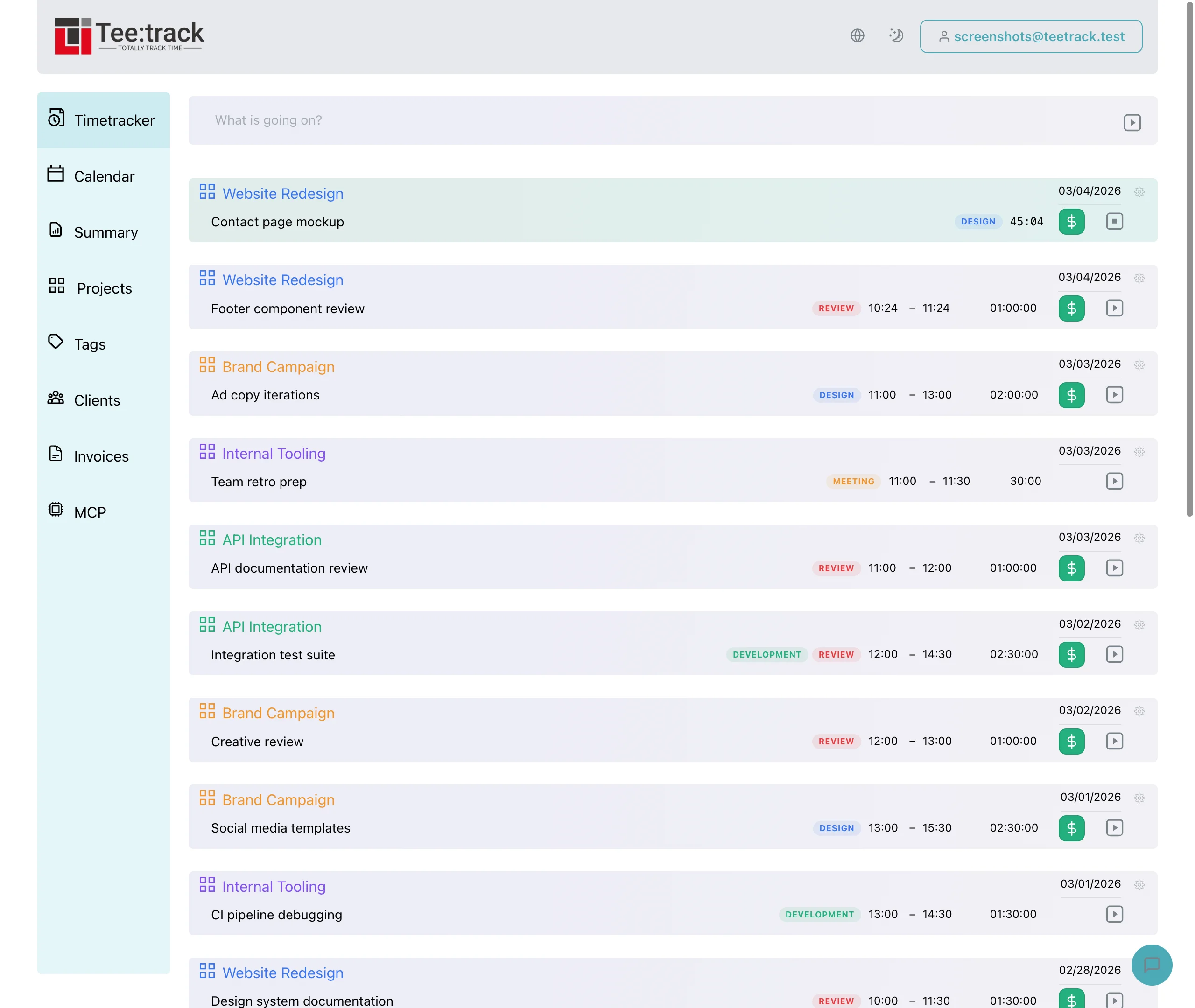
Click the date shown on a finished entry to open the date picker. Choose the day the work happened; future dates are disabled. The picker keeps the existing clock times when moving the session, so edit the start or end separately if either time is wrong.
For example, suppose you record Monday’s 14:00–14:45 client call on Tuesday by mistake. Moving the date to Monday keeps 14:00–14:45. Check the corrected entry in Monday’s records before preparing the weekly report.
Check the billing period after a correction
The date determines which filtered reports include an entry. Moving work from the first day of a month to the last day of the previous month changes where it appears in a monthly timesheet, even when its duration stays the same.
After editing, open Summary with the intended date range and confirm that the entry is included. If you already sent a PDF containing the old date, generate a corrected document and explain the change to its recipient.
Correct entries while the work is still familiar
A short review of recent entries makes it easier to spot an incorrect day before it reaches a client report. Editing the date gives you a way to repair the record while retaining the details that explain the work.