Invoices: from billable tracks to client-ready PDFs
12/12/2025
Generate directly from tracked work
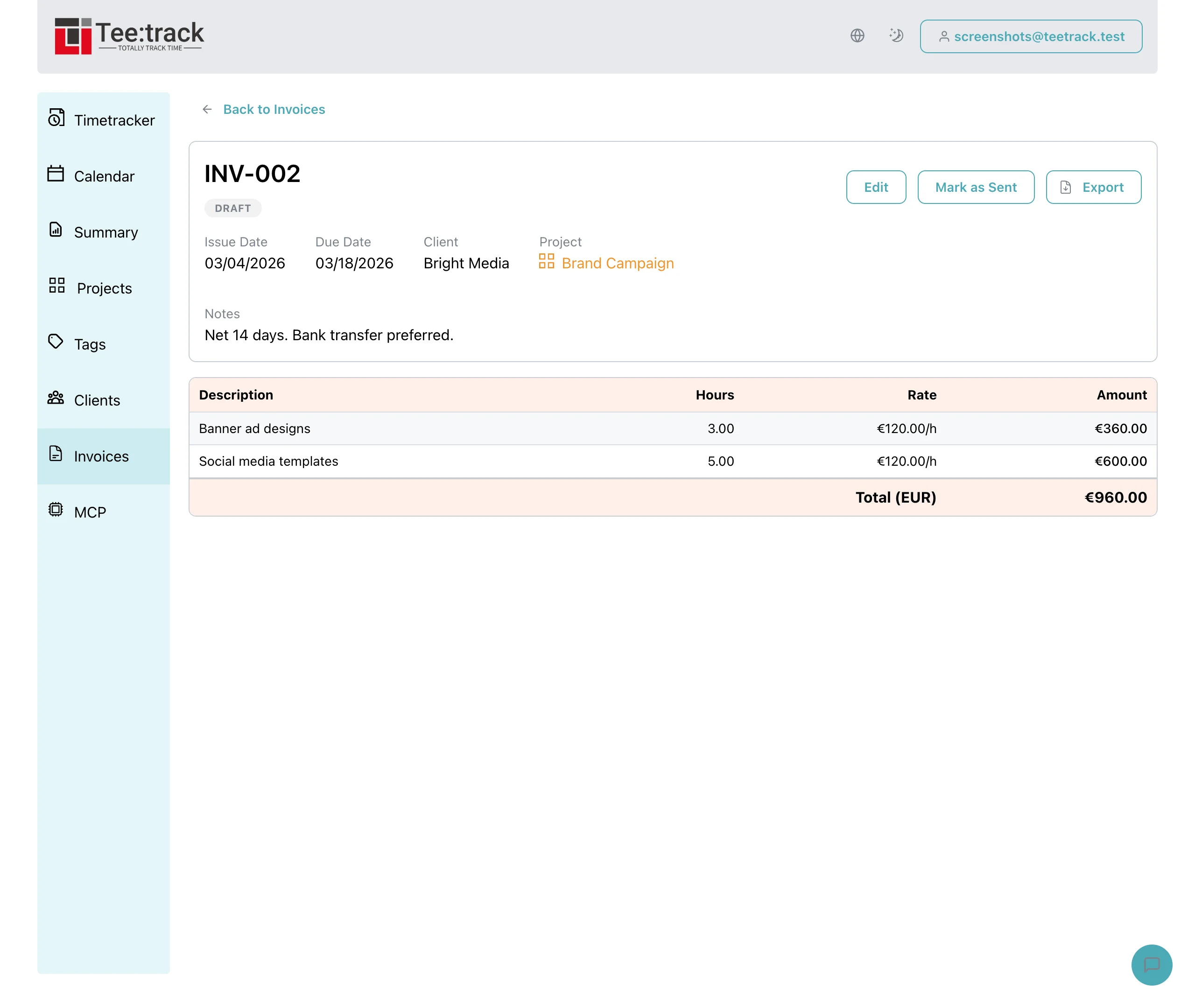
Start from the Summary table, select completed billable tracks, and hit “Create Invoice.” We calculate hours from start/end times, pull the rates you used on each track, and group totals by currency. You can set issue and due dates, drop in notes, and link the invoice to a project so the client context stays clear.
Line items that stay in sync
- Each line item references the original track, its description, hours, rate, and currency.
- Sequential invoice numbers are generated per user (INV-001, INV-002, ...).
- Draft invoices stay editable; mark them as sent to freeze the record.
Because the invoice knows which tracks it came from, exports remain auditable—no more guessing which timer entry became which invoice row.
Export-ready for clients and finance
- PDF export includes your totals, project context, and notes.
- CSV export mirrors the same data for accounting tools.
- Totals are grouped by currency so mixed-rate work stays transparent.
What’s next
The foundation is live today. Coming up: richer branding on PDFs, partial payments, and lightweight “sent” tracking for email delivery. If you bill clients from Teetrack, you can finally ship invoices without leaving your workflow.