Plan, Track, Review: A Week With Teetrack
By Patrick Carter ·
Monday: Plan Projects And Priorities
- Create or update Projects for the week’s clients and initiatives.
- Pick colors so your calendar is instantly readable.
- List 3–5 outcomes you want to accomplish.
Tuesday–Thursday: Track Work In The Moment
- Hit Start before you dive in; add a clear description.
- Pause or Stop for breaks; restart a previous entry when you continue.
- Edit start/end if you forgot—no need to re‑enter anything.
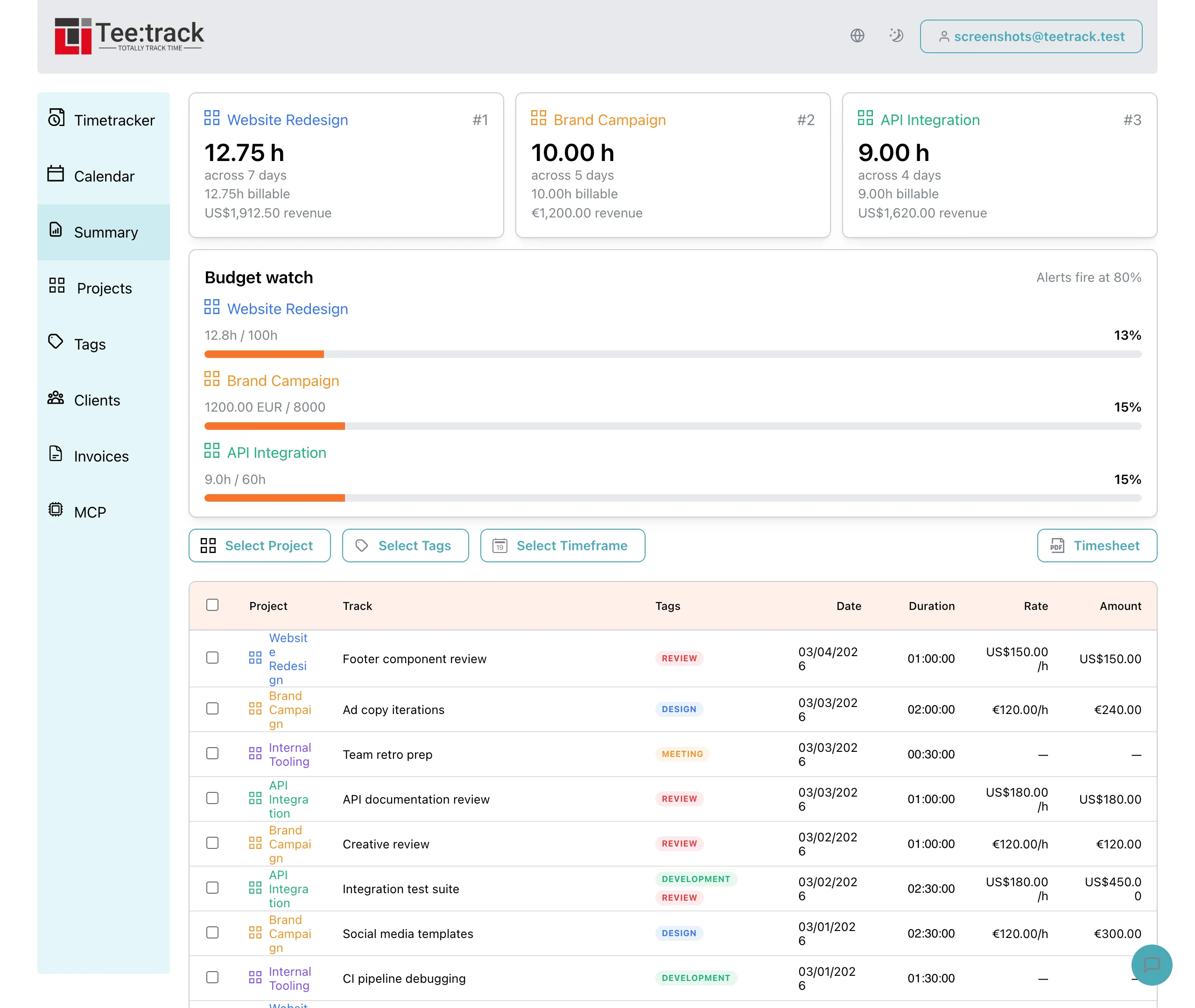
Friday: Review With Summary
Open the Summary to see your week at a glance. Filter by Project to check how you spent time, then sort by date to confirm the sequence. This is perfect for weekly reports or stand‑ups.
End Of Month: Timesheet And Handoff
When the month wraps, select the correct range and generate a Timesheet PDF. Send it to clients or keep it for your records. You’ll have total hours and line items ready in seconds.
Why This Routine Works
- Planning creates focus—Projects make it visible.
- Live tracking captures reality without friction.
- Reviews turn data into better decisions next week.