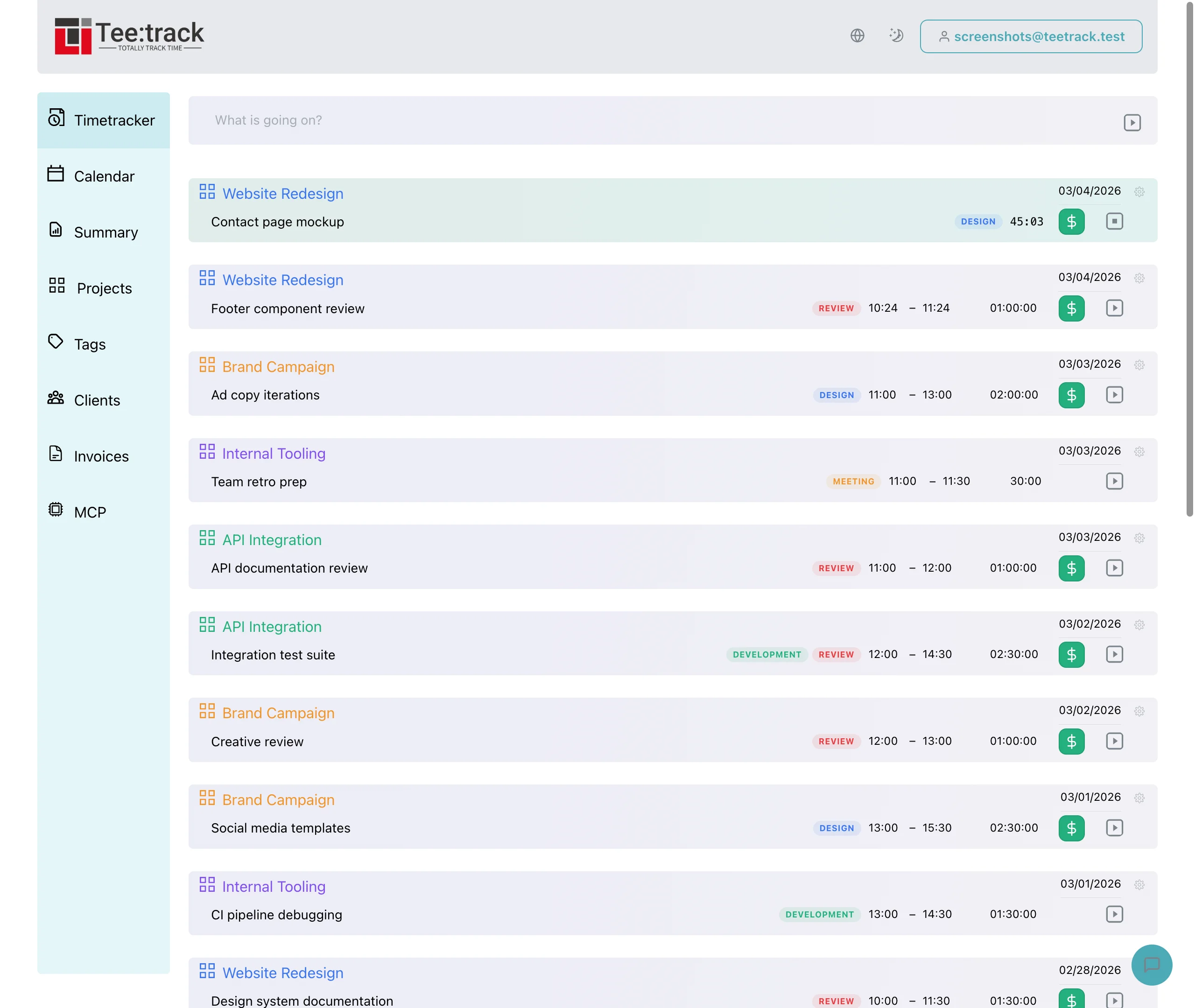
Move from spreadsheets to Teetrack
By Tristan Doehl · · Updated
A spreadsheet often contains more than hours: it also contains the naming rules and checks you rely on at invoice time. Moving to Teetrack works best when you carry those useful conventions across and verify one billing period before retiring the old process.
Start with the fields you actually use
Take a recent sheet and identify what each column means. Use this mapping to decide what to record in Teetrack and what to keep in a separate planning or accounting file:
- Date, start, and end identify when a session happened.
- Client and project identify the engagement the session belongs to.
- Task or notes supply the entry description.
- Billable status and rate determine how the work is treated during billing.
- Duration is calculated from the timestamps, so it does not need a copied spreadsheet formula.
For example, a row for “Acme redesign, homepage wireframes, 09:12–11:05” represents a session of 1h 53m. Its decimal duration is about 1.8833 hours. Keep the timestamps when transferring the row; a displayed value rounded to 1.88 hours is less precise than the original times.
Choose a limited migration scope
Begin with active projects and the entries needed for the current billing period. Older sheets can remain an archive until there is a specific reason to move them. This reduces the number of records you need to reconcile while you are learning the new workflow.
Teetrack’s CSV import accepts Toggl, Clockify, and Harvest files. It is not a general spreadsheet importer. Use an export from one of those supported services, or enter the sessions from your own sheet manually. On the upload page, set Timezone to the zone the source file was exported in, then check the import preview and validation messages before completing a supported import. Plan limits apply to imported data as well: Free allows five projects and Business twenty, and the preview warns when a file names more projects than your plan allows. Free also shows only the last 90 days in Summary, so entries older than that are not visible there after the import.
Compare the same work in both systems
After transferring the first period, select the matching date range in Summary and filter to each project in turn. The overview cards show only the top three projects, so they are not a complete reconciliation list. Compare the filtered entries with the original sheet, checking time zones, overnight sessions, breaks, and rounding. The PDF uses unrounded durations even when Summary applies rounding.
Choose a clear point after which all new work goes into Teetrack. Continuing to record new sessions in both places creates another reconciliation task and makes it harder to know which copy is current.
Keep the parts a spreadsheet still does well
A custom forecast or an accounting calculation may still be useful outside the tracker. Use exports where they fit that process, and let Teetrack handle session capture and time summaries. The aim is to remove duplicated entry and formula maintenance from the routine you actually use.
Record how long the next billing review takes and which corrections it needs. Use those observations to refine the fields and checks you carry into the following period.
Finish with a reconciled timesheet
Once the first period agrees with the source records, generate the PDF timesheet you would send to a client. If the entries and total are right, you have checked the full path from work session to billing evidence and can use the new process for the next period.